

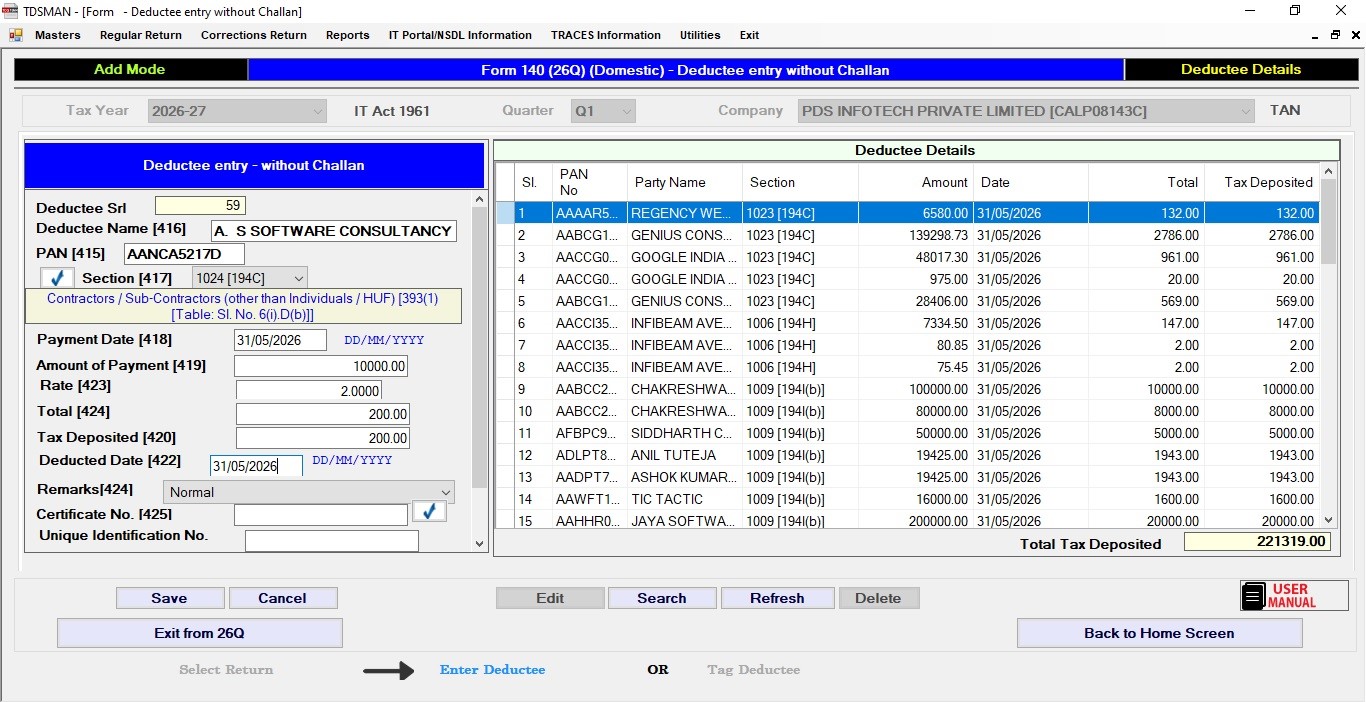
Normally one cannot enter Deductee without making a challan. However there is an option through “Preference” module where by enabling it one can enter Deductees without making a challan.
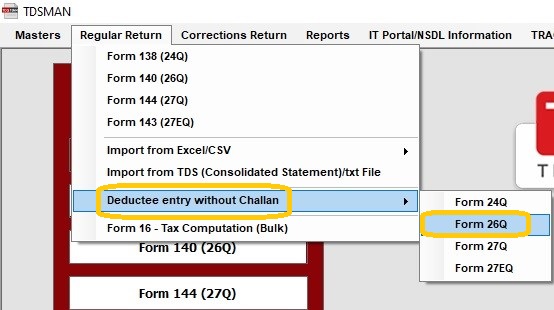
Click on Regular Return > Deductee entry without Challan > Form 140 (26Q) the top left of the screen, as shown below :
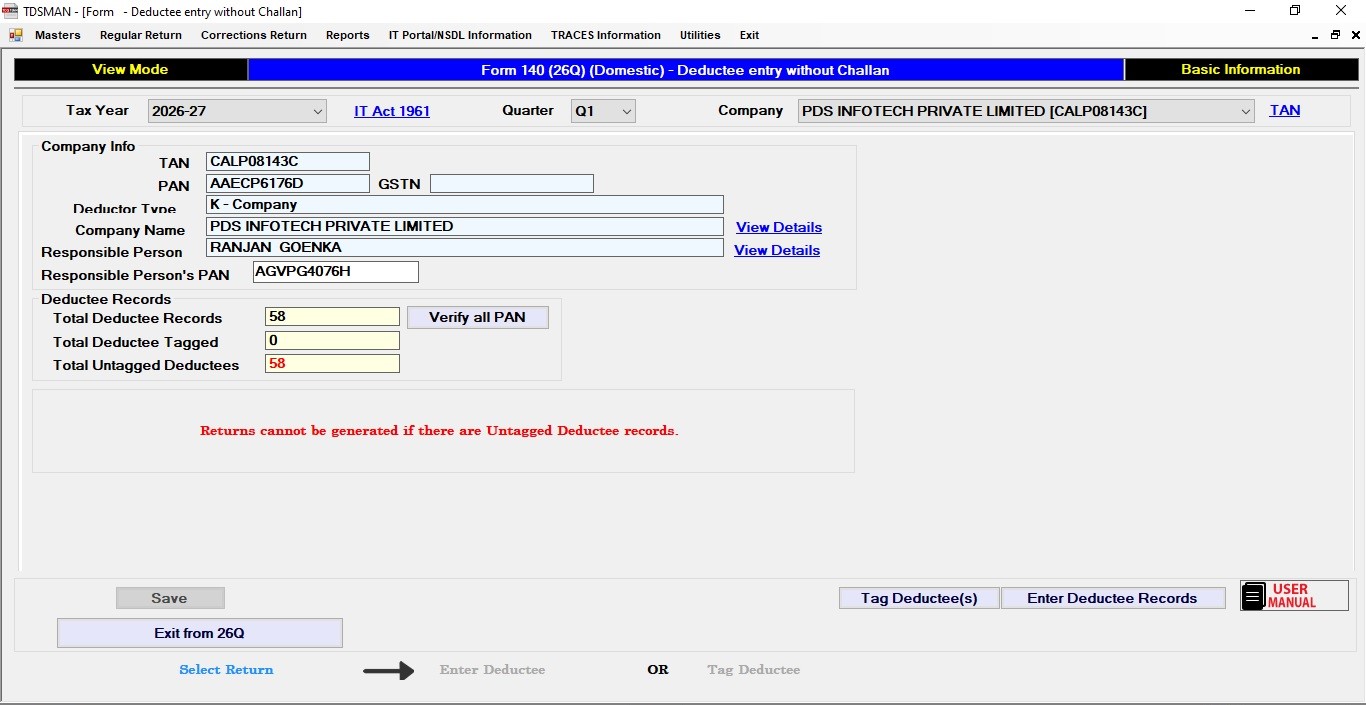
The deductees needs to be tagged to the challan later before generating return
The deductees are tagged by loading the challan in the upper grid and tagging its corresponding deductees.
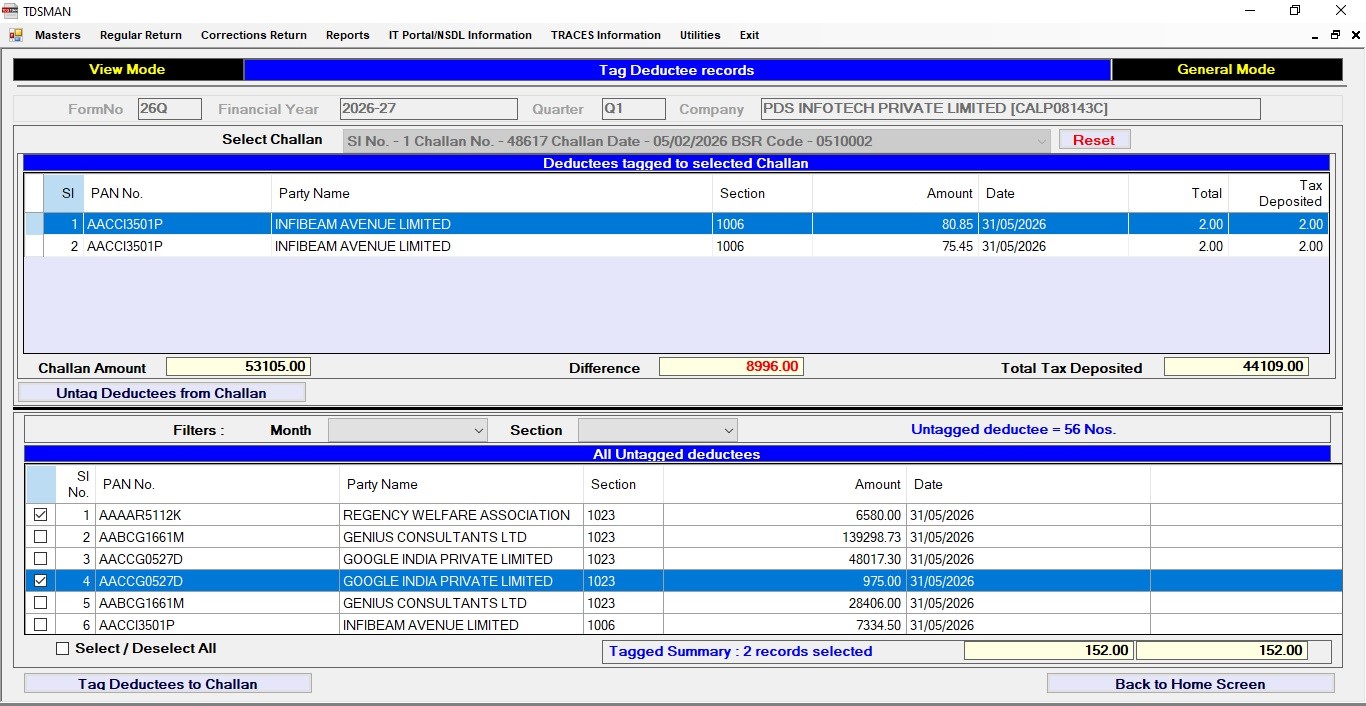
There is also an option to find deductees based on Section and Month for tagging.
Note : Returns cannot be generated if there are Untagged Deductee recordsIn case, Form 138 (24Q) (salary return) is selected then salary details have to be entered also.
Need more help with this?
TDSMAN - Support