

This module gives the option to extract the certificates. In order to do so click on ‘Extract Certificates’ under the ‘Utilities’ option. The following screen will get displayed :-
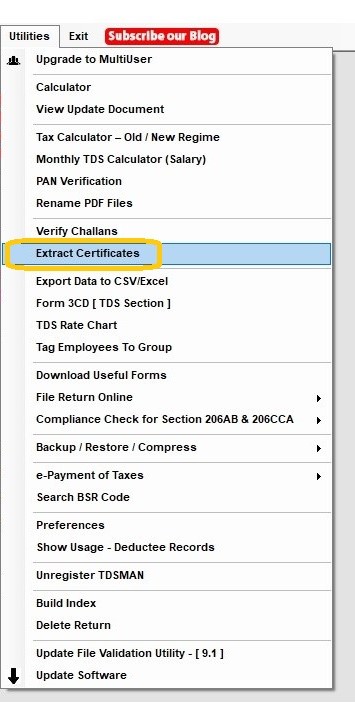
Click on ‘Extract Certificates’ , the following screen will get displayed :
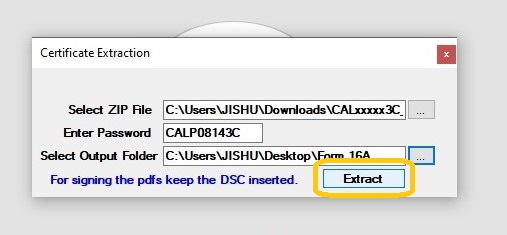
Select Zip File: Select the .zip file name from which the files have to extracted.
Enter Password: Enter the password
Select Output Folder: Select the folder in which the above files will get stored after being extracted.
Note: If the pdfs need to be signed then the DSC has to be kept inserted.
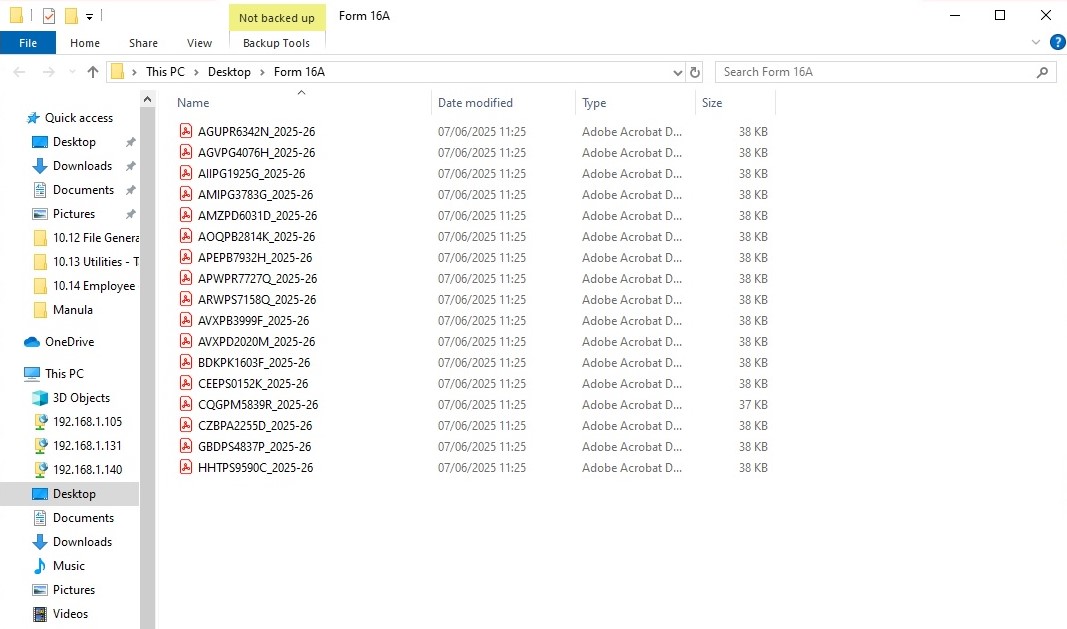
Click on ‘Extract’
Need more help with this?
TDSMAN - Support